topoformer 2.0
Topoformer, also known as the Topology Deformer, is a powerful Cinema 4D deformer plugin that procedurally alters the topology of your objects while preserving their original shape. Using a collection of predefined topology algorithms, Topoformer allows you to completely transform polygon and primitive meshes without destructive modeling.
All changes remain fully procedural, making Topoformer ideal for motion designers, experimental artists, and anyone looking to explore complex surface structures quickly and safely.
Tested and working in Cinema 4D R23 - 2026
Topoformer Core Features
- Completely change the topology of your polygon or primitive objects
- Alter your meshes non-destructively
- 15+ topology types based on well-known artists’ styles
- Affect multiple objects with the same deformer
- Works with MoExtrude to add depth to your mesh
- Color fragments individually
- Use fields and effectors for greater control
- Create endless variations of your topology procedurally
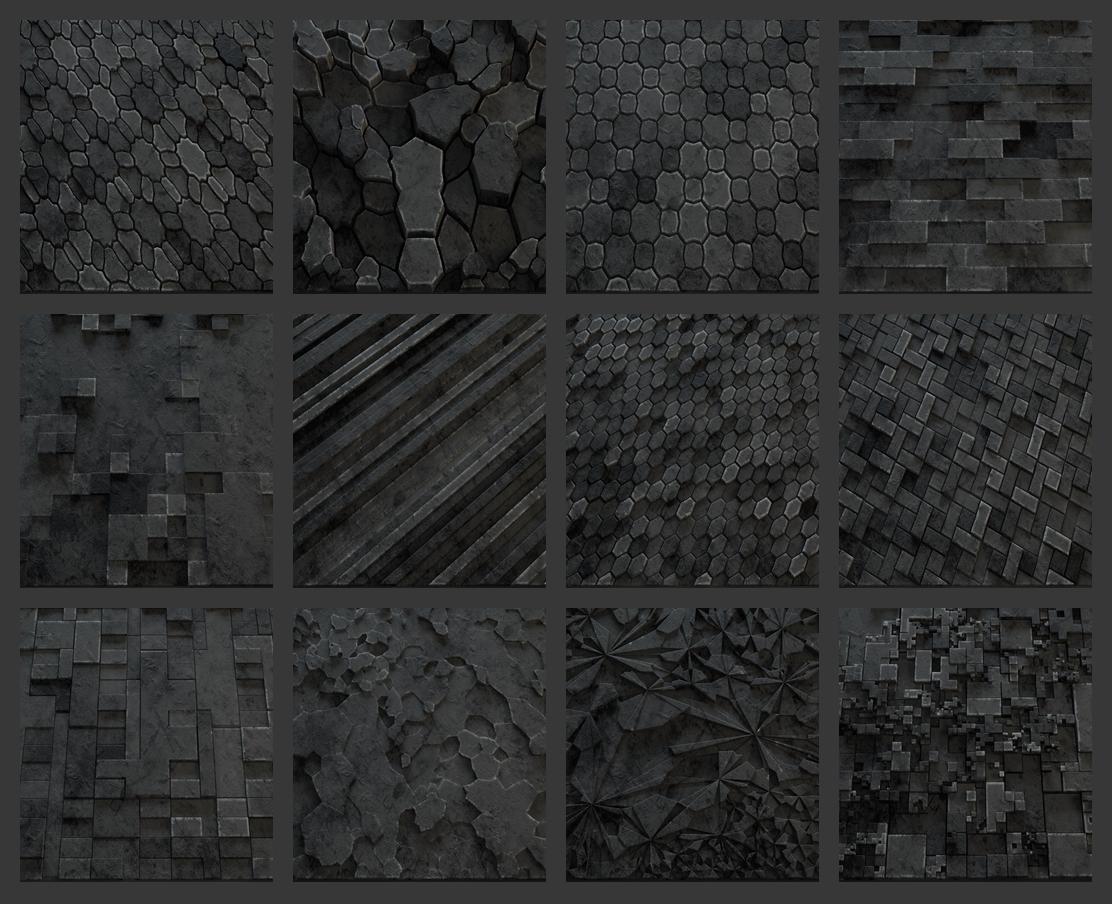
POPULAR TOPOLOGY THEMES
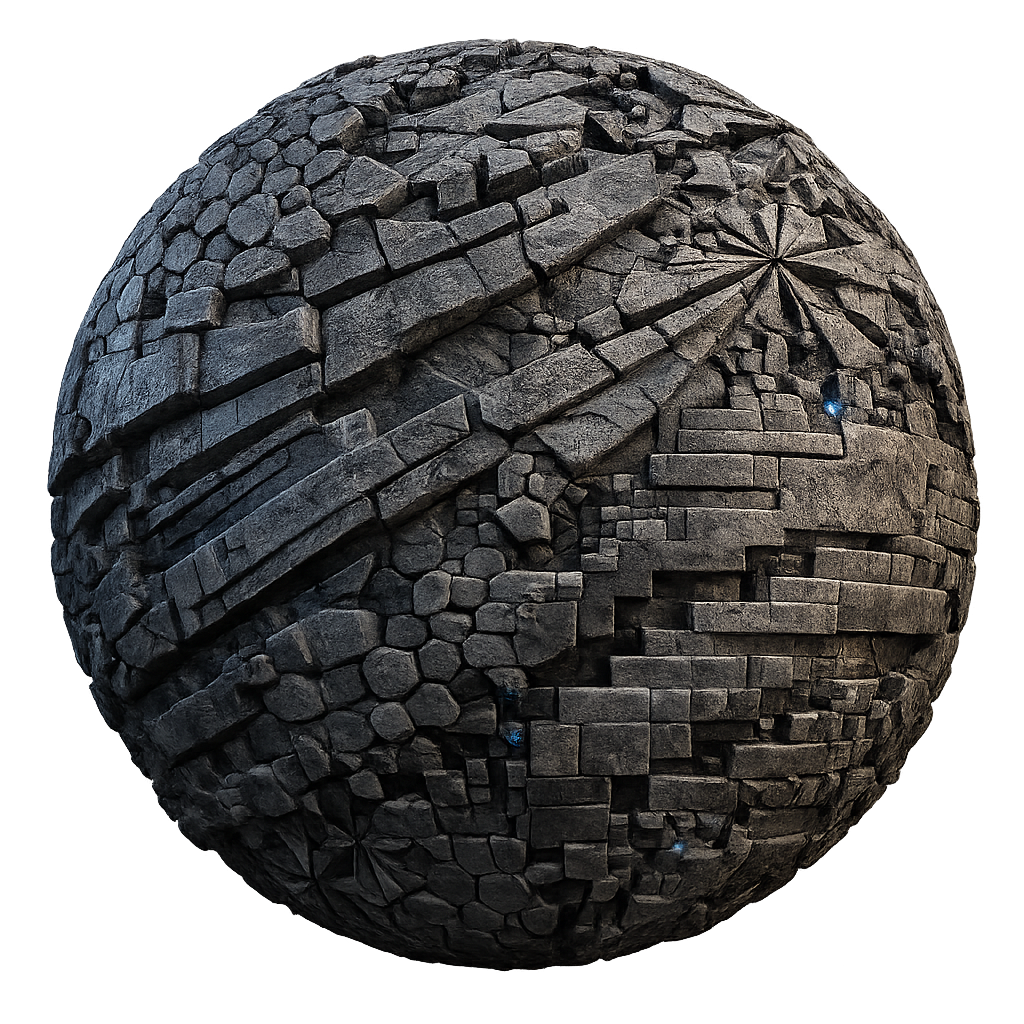
Topoformer includes a curated selection of topology themes inspired by recognizable visual styles. Each theme provides a distinct structural look that can be pushed further using the plugin’s controls.
These themes serve as strong starting points for experimentation and creative exploration.
MOEXTRUDE AND FIELDS SUPPORT
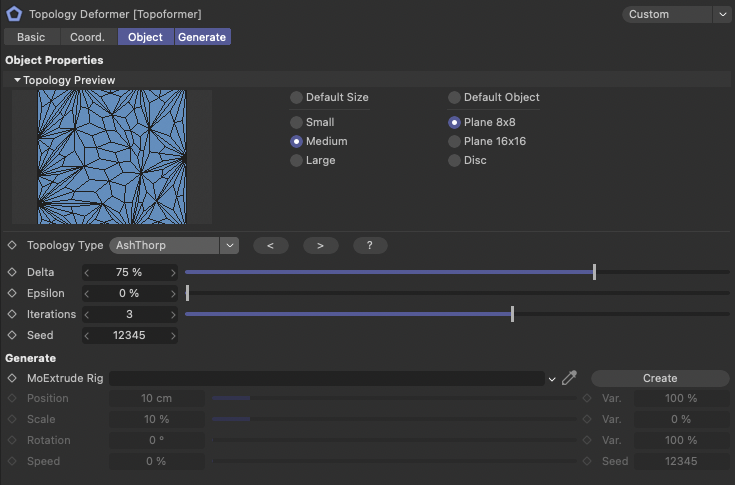
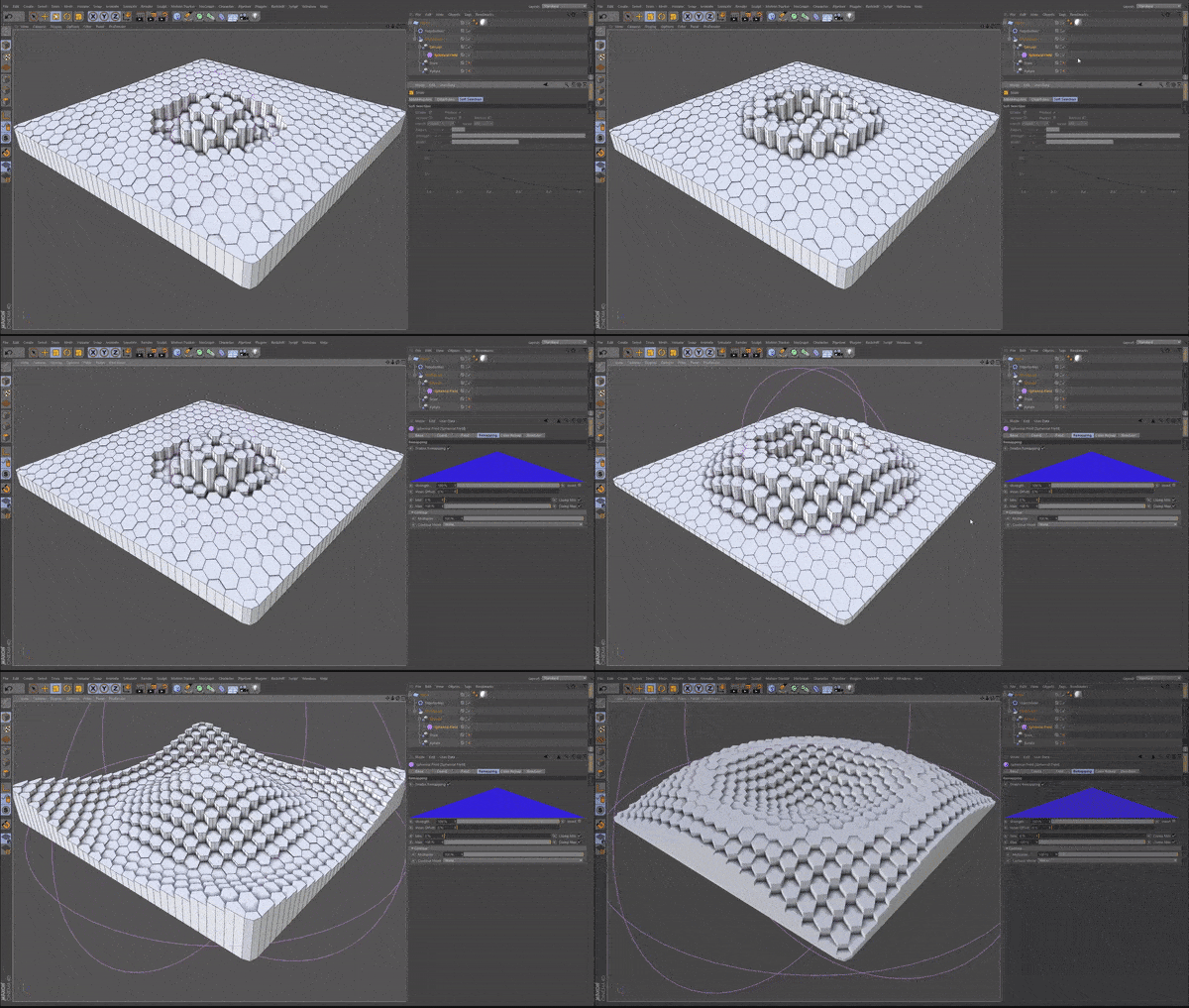
By dragging a MoExtrude deformer into the Topoformer input field, you can control how extrusions are applied across the topology. Fields and effectors can then be layered on top to influence strength, falloff, and variation.
This integration allows for highly controlled and animated topology effects.
COLORIZE FRAGMENTS
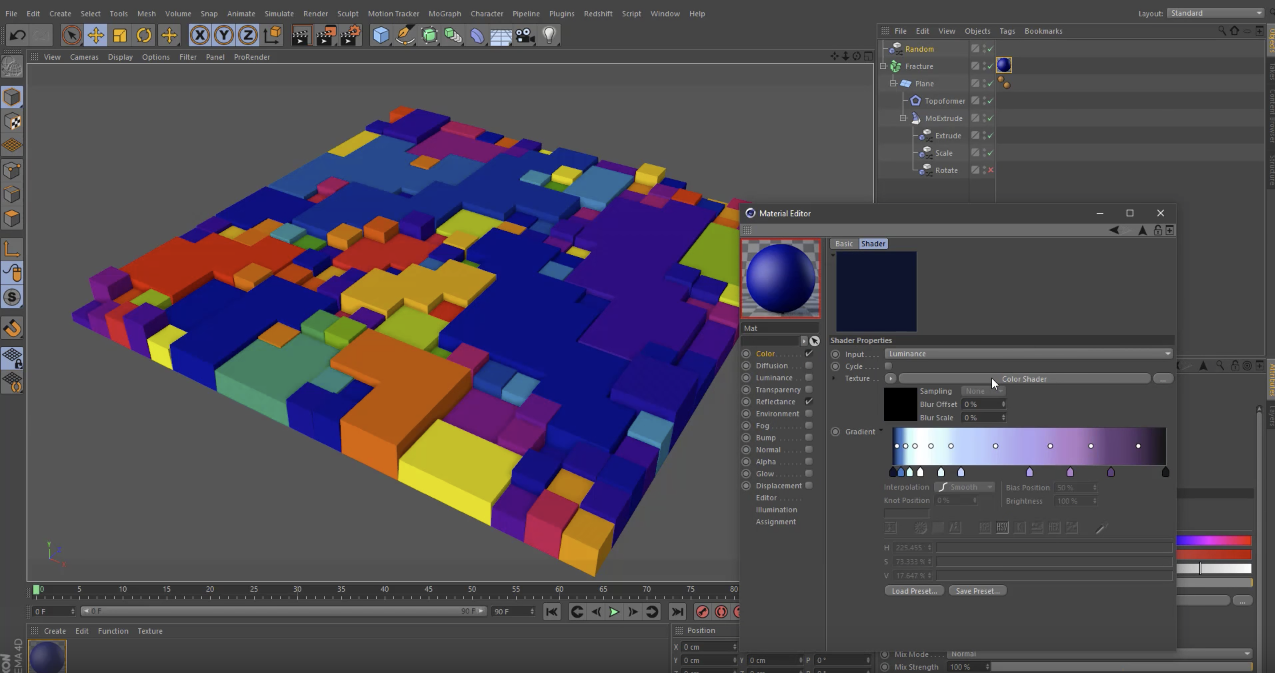
Topoformer works directly with Cinema 4D’s Color Shader to allow per-fragment coloring. This gives you the ability to create complex color patterns that respond naturally to the generated topology.
DRAW THE EFFECTED AREA
Topoformer supports drawing the affected area directly onto your model using the Pen tool. This gives you precise artistic control over where the topology effect appears, allowing you to blend procedural results with intentional design.